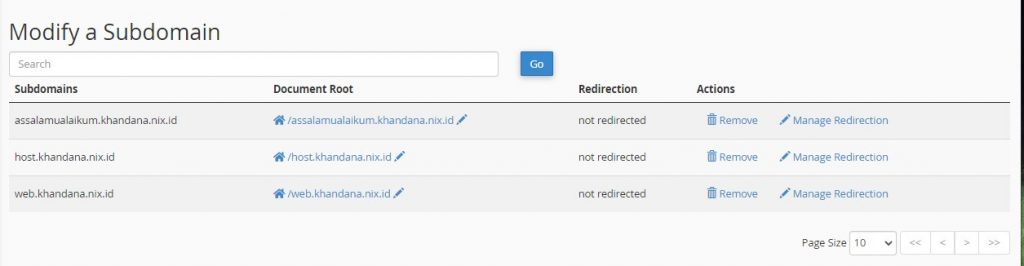
A step-by-step guide on how to create a new subdomain in cPanel for your domain.
Here are the steps to create a subdomain in cPanel.
Step 1 — Log in to cPanel
Log in to your cPanel account.
Step 2 — Open the Subdomains Menu
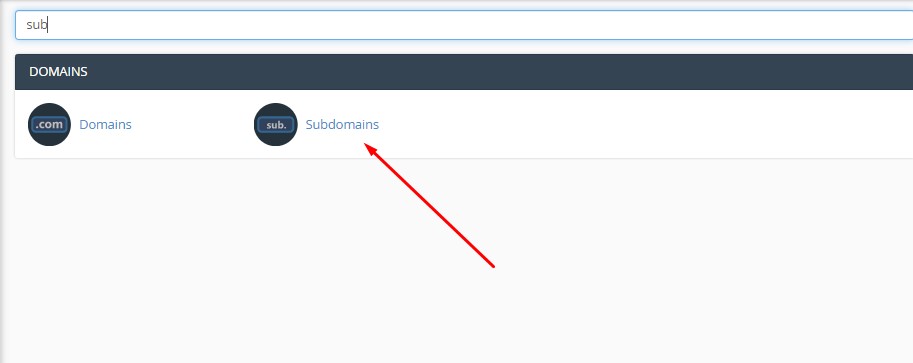
On the cPanel home page, find and click Subdomains. Use the search bar if needed.
Step 3 — Fill in the Subdomain Form
In the Subdomain field, enter the subdomain name you want. For example: to create host.nix.id, type host in the Subdomain field.
Select the appropriate main domain. The Document Root field will be filled in automatically.
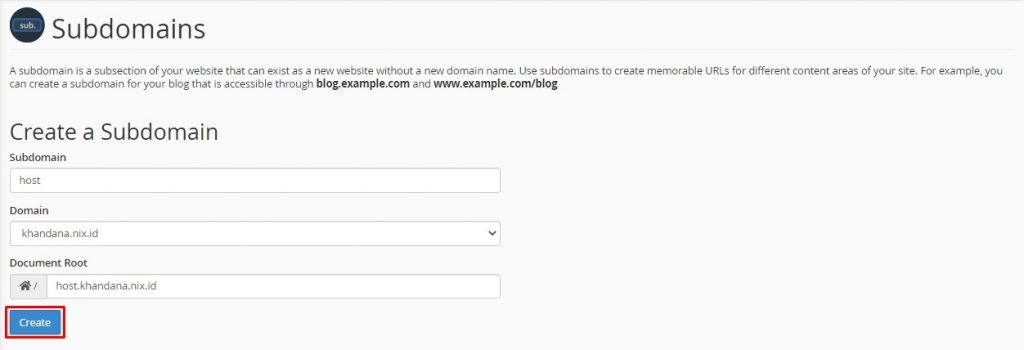
Once all fields are filled, click Create.
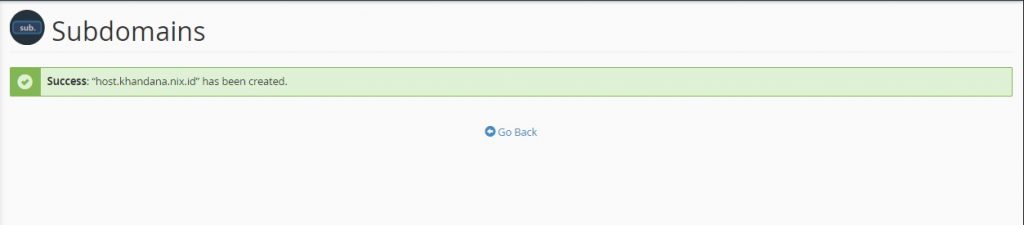
Step 4 — Subdomain Successfully Created
Your subdomain has been successfully created.
Manage Subdomains
You can view, manage, and delete existing subdomains from the Modify a Subdomain table at the bottom of the same page.