
A guide on how to change your domain name servers in the Digitalku client portal to point your domain to your hosting server.
To point a domain to hosting, you need to update the domain's name servers to the target hosting server. Here's how to do it via the Digitalku client portal.
Steps to Change Name Servers
Step 1 — Log in to the Digitalku Client Portal
Step 2 — Click the Domain menu
Step 3 — Select the domain whose name servers you want to change
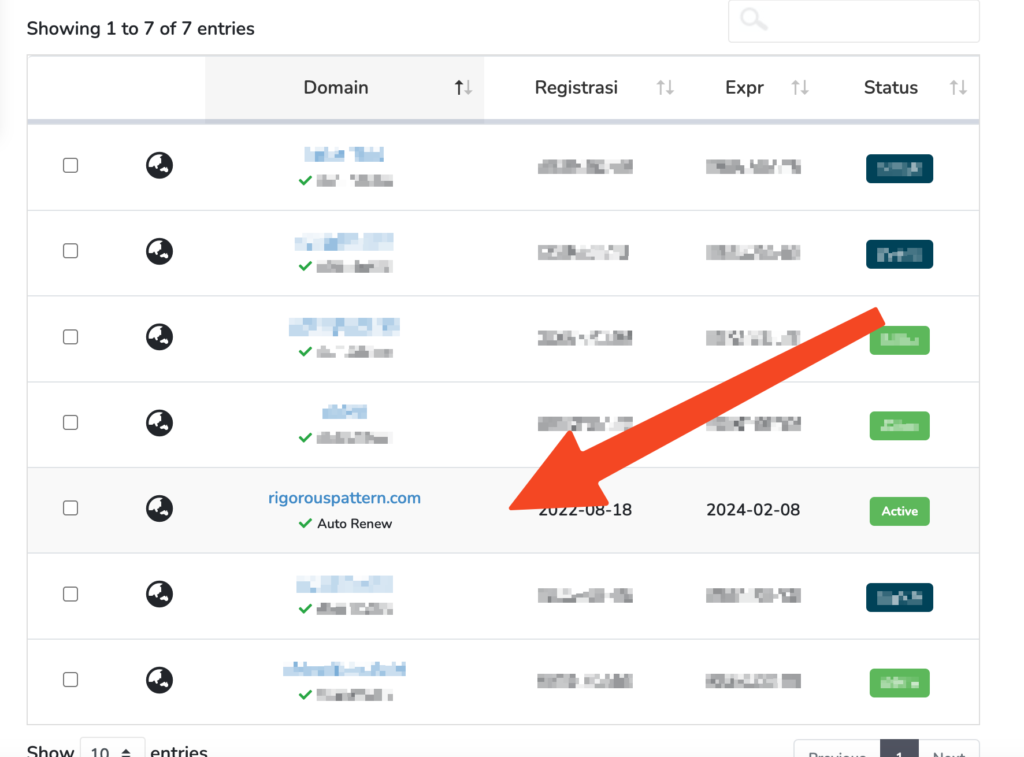
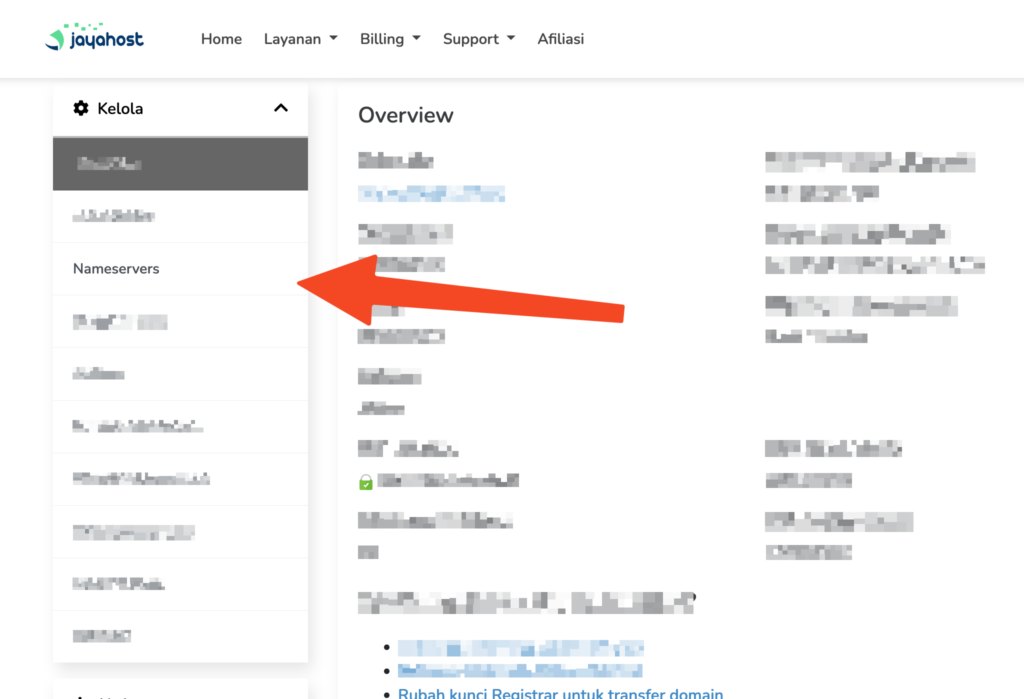
Step 4 — Click the Name Servers tab
Step 5 — Make sure Use Custom Name Servers is selected, enter the name servers you want, then click Change Name Servers
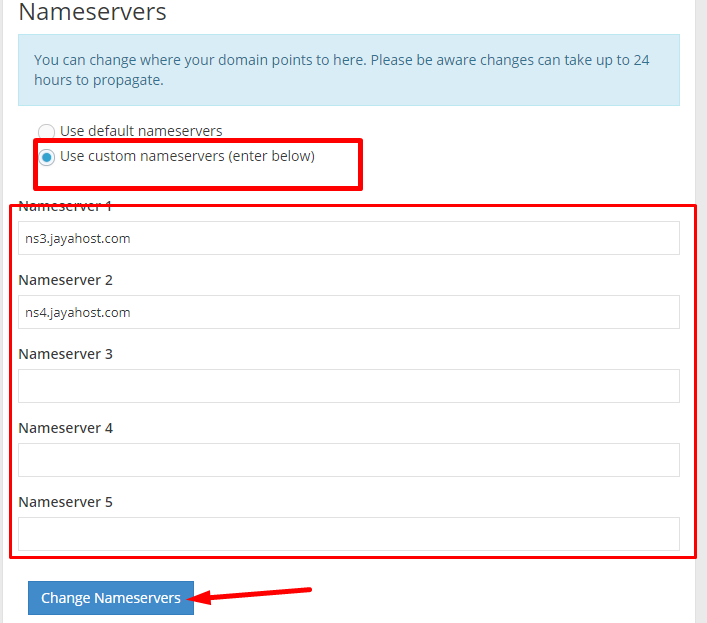
After saving, the name server change will take effect after DNS propagation is complete (typically up to 1×24 hours).