
Guide to safely deleting an Expert Advisor (EA) file from MetaTrader via the MQL4/Experts folder.
Before removing an EA, it is strongly recommended to disable all trading activity associated with that EA first to minimize risk.
Steps
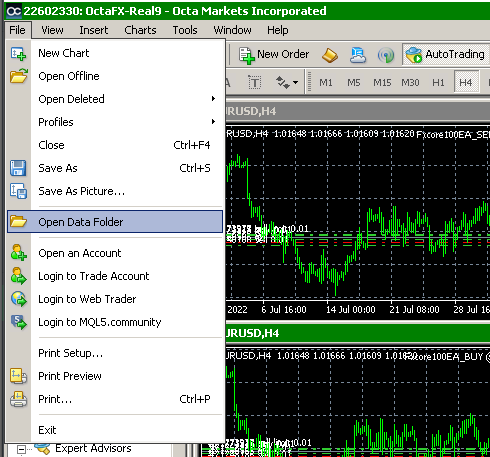
Step 1 — Open the MetaTrader Data Folder
Click File → Open Data Folder
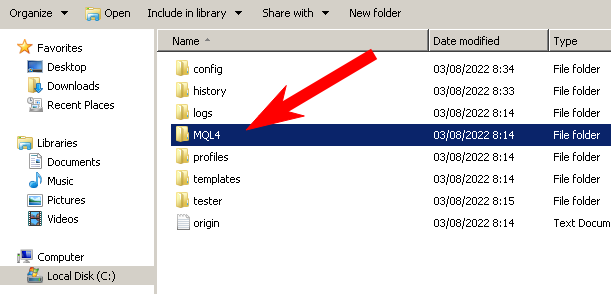
Step 2 — Open the MQL4 Folder
Open the MQL4 folder.
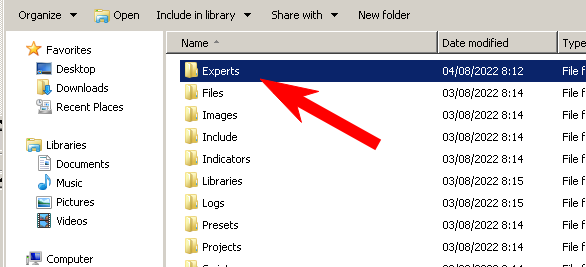
Step 3 — Open the Experts Folder
Open the Experts folder.
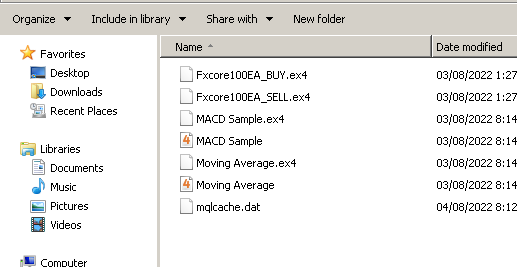
Step 4 — Delete the EA File
Find the EA file you want to remove, right-click it, and select Delete.
Step 5 — Refresh the EA List in MetaTrader
Go back to MetaTrader, right-click on Expert Advisors in the Navigator panel, and click Refresh.
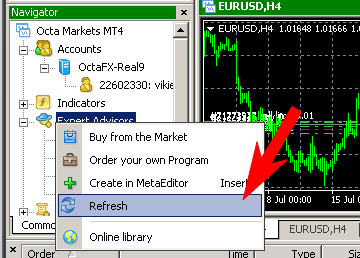
The EA has been successfully removed from MetaTrader.