
Guide to correctly restarting a Forex Windows VPS: directly from within the VPS for Windows 7, Server 2012, and Windows 10, plus force restart via the client portal when the VPS is inaccessible.
Digitalku recommends restarting your Forex VPS at least once every 2 weeks to keep it in a fresh and optimal state. The best time is on weekends or during market holidays to avoid disrupting trading activity.
Recommendation: Always restart from within the VPS. A restart via the client portal is a force restart — use it only as a last resort (e.g. when the VPS is unreachable).
Restarting from Inside the VPS
Windows 7
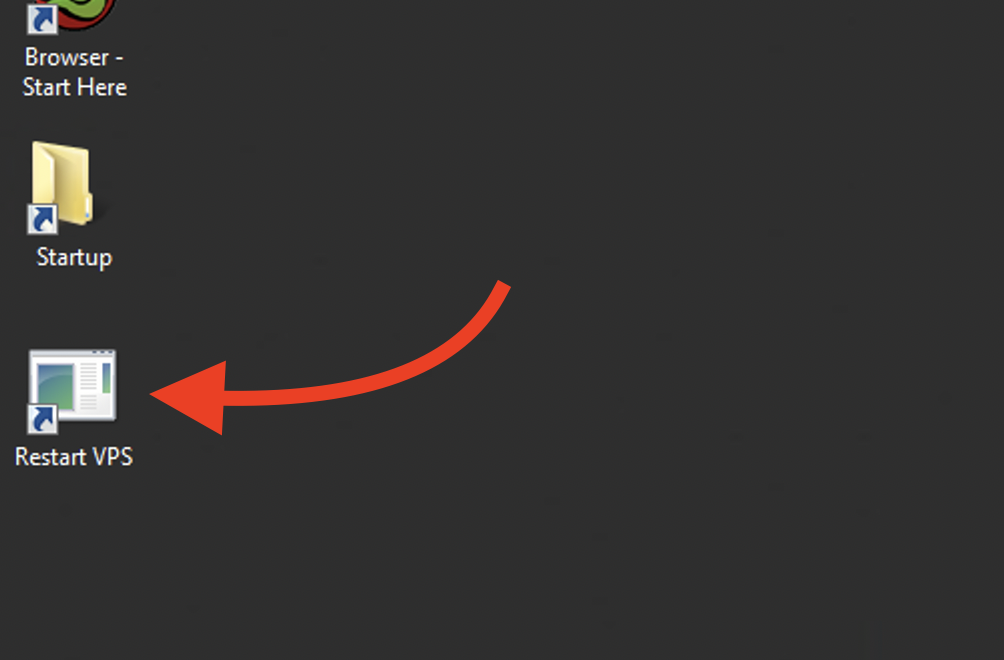
Double-click the "Restart VPS" shortcut icon on the desktop.
Windows Server 2012
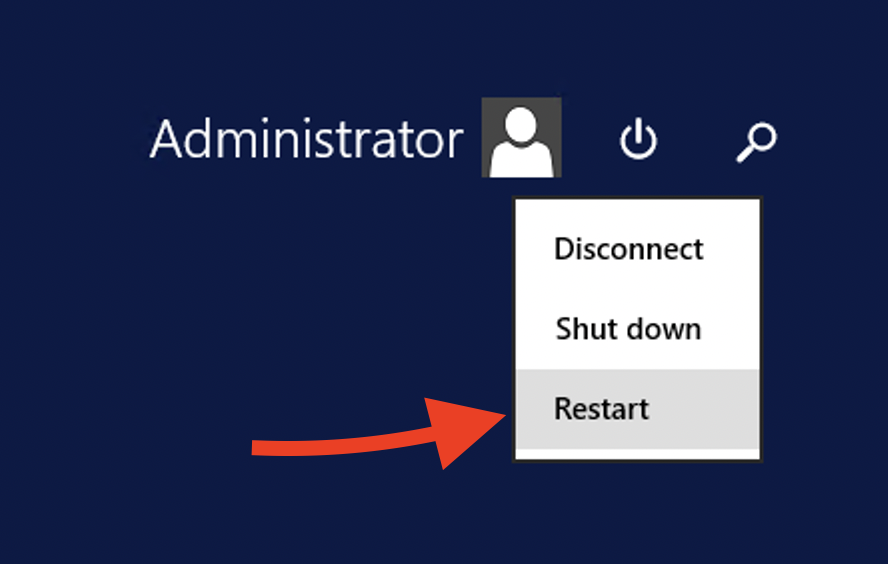
Click Start → Power → Restart
Windows 10
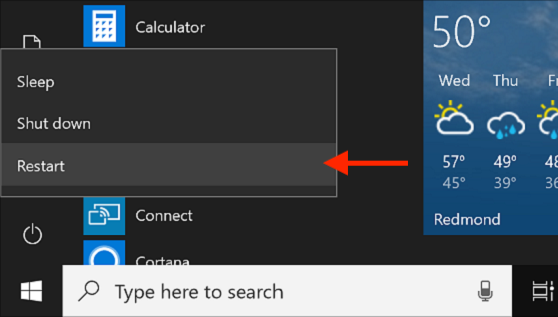
Click Start → Power → Restart
Force Restart via Client Portal (When VPS Is Inaccessible)
If the VPS is completely unreachable, use the client portal:
- Open portal.digitalku.com and log in
- Click Services
- Select the VPS and scroll down
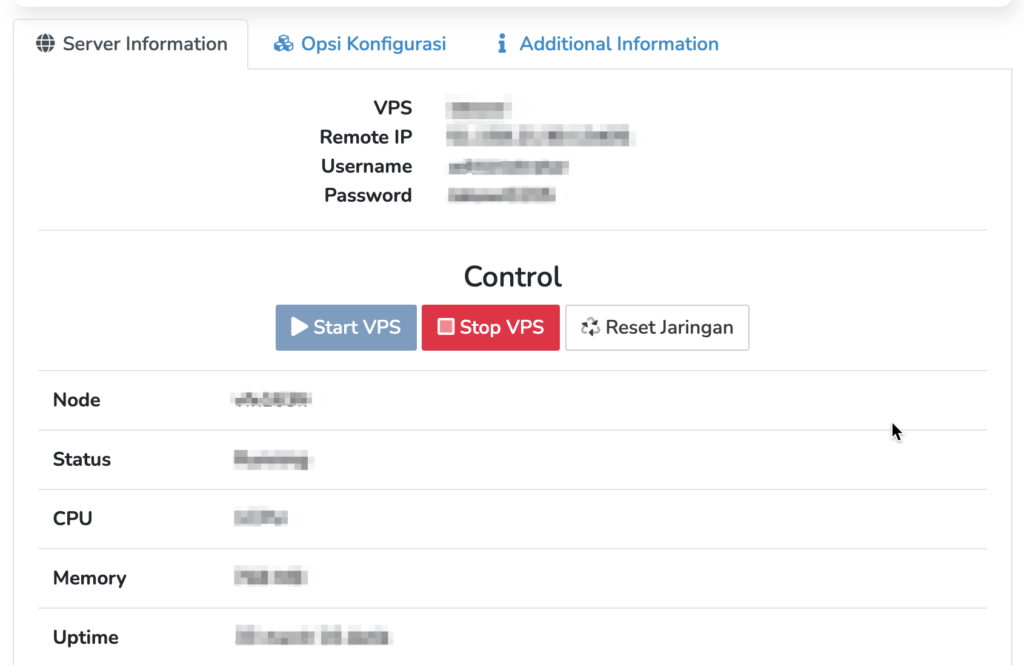
- Click Stop VPS, wait a moment, then click Start VPS
- Wait about 2 minutes, then try connecting to the VPS again
If issues persist after restarting, contact our support team.