
Guide to using BlueScreenView to read Blue Screen of Death (BSOD) logs on Windows and identify the cause of crashes.
A Blue Screen of Death (BSOD) occurs when Windows encounters a critical error. To resolve the issue properly, you first need to identify the cause.
One of the easiest ways to read BSOD logs is with the free application BlueScreenView.
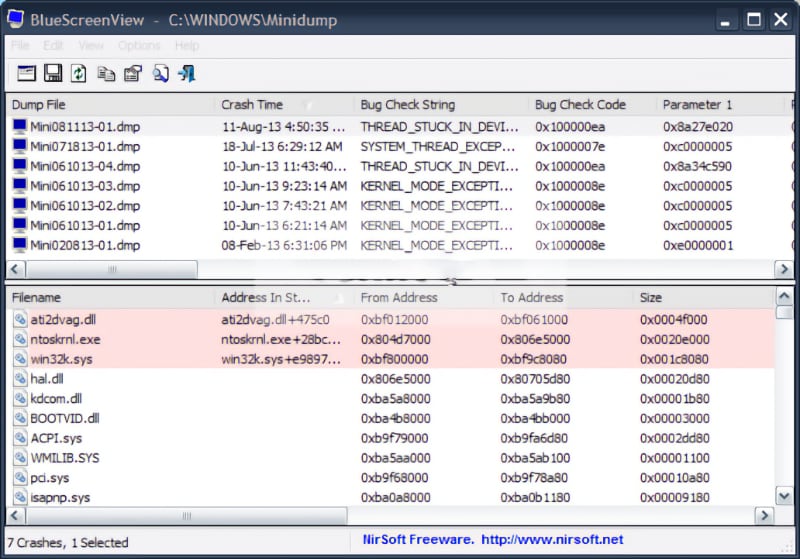
BlueScreenView reads the minidump files Windows creates during a BSOD and displays detailed information such as the error name, the file that caused the crash, and the drivers involved.
Download
Download BlueScreenView for free from:
After downloading, extract and run the application — no installation required. BlueScreenView will automatically detect and display all BSOD logs stored on your system.