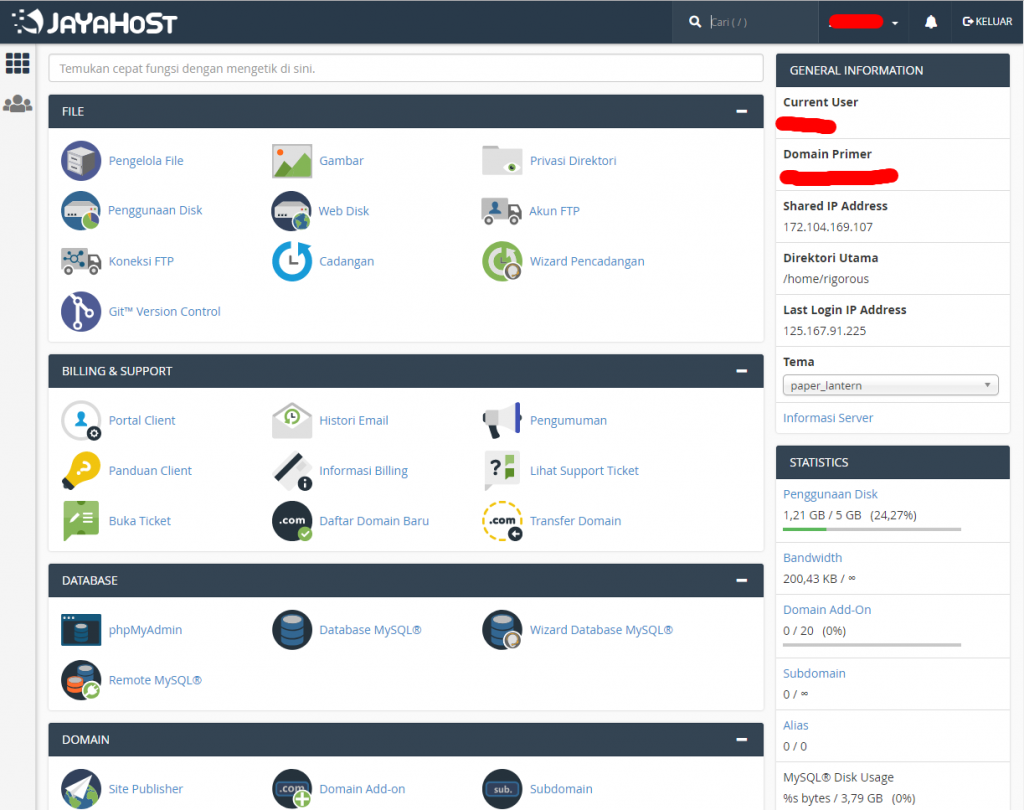
Complete illustrated guide to logging in to your Digitalku hosting cPanel, either via direct link or through the Client Portal.
cPanel is the main control panel for managing your hosting account. From here you can upload files, install a CMS via the auto installer, manage email accounts, databases, and all other hosting features.
Method 1: Direct Link
Open your browser and go to:
yourdomain.com/cpanel
Enter the username and password sent to your email when your hosting was activated.
Method 2: Via the Client Portal (Recommended)
Logging in through the Client Portal is more secure and allows you to monitor your hosting status at the same time.
-
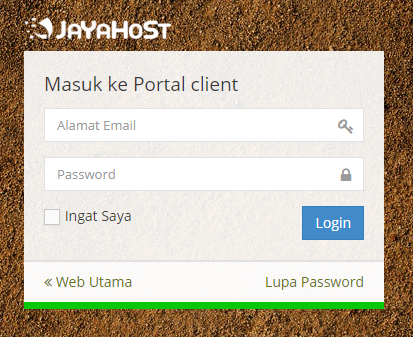
Log in to the Client Portal
-
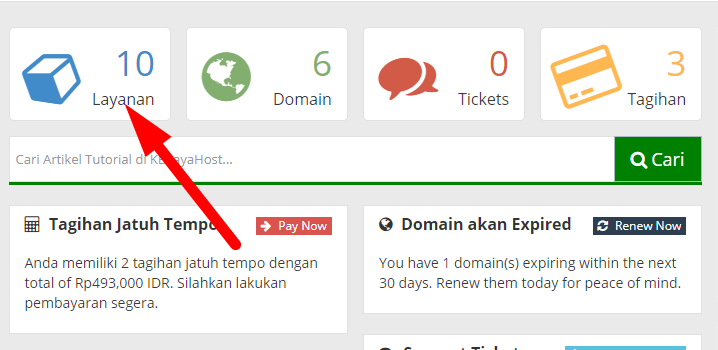
Click Services
-
Select the hosting service you want to access

-
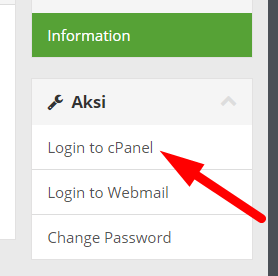
Click Login to cPanel
-
You are now inside your cPanel dashboard!