
Guide to manually paying an invoice using your deposit balance when the deposit was added after the invoice was already created.
If you have a deposit balance in your Digitalku account, it will automatically be applied to new invoices as they are generated.
However, if you add deposit funds after an invoice has already been created, it will not be applied automatically. Follow the steps below to manually pay an invoice using your deposit balance.
Steps
1. Open the Invoice Menu
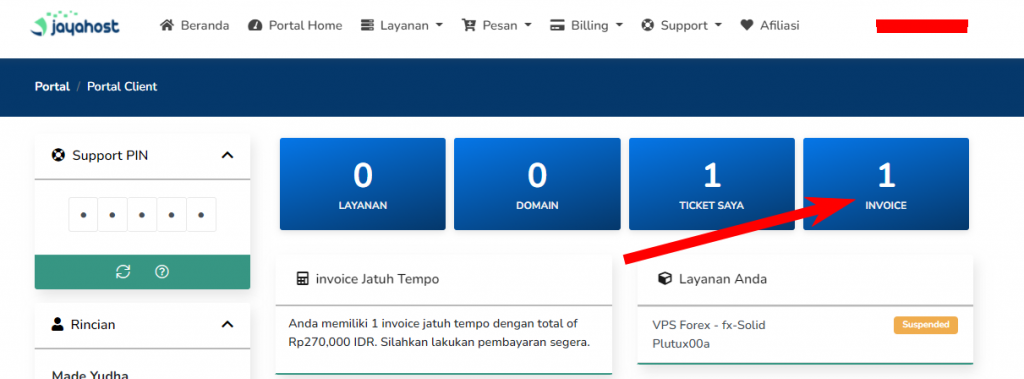
Log in to the Client Portal and open the Billing menu.
2. Select the Invoice
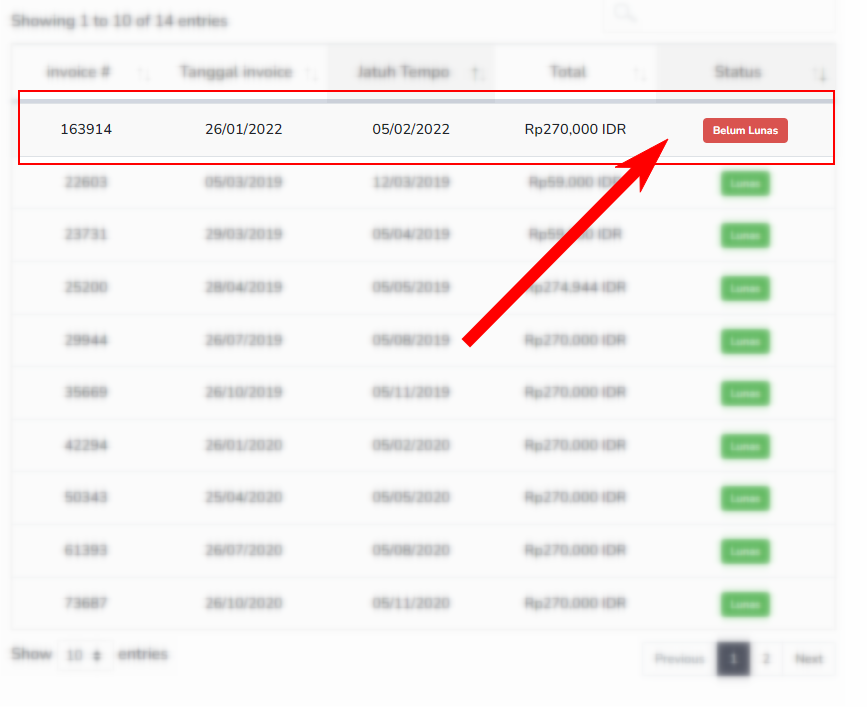
Click the invoice you want to pay using your deposit balance.
3. Click "Use Deposit"
Scroll down on the invoice page and click the Use Deposit button.
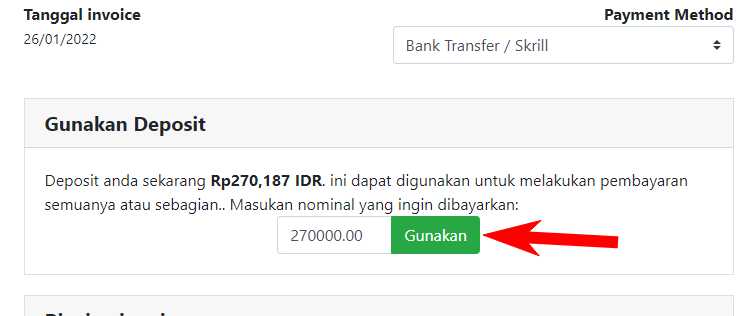
Note: If your deposit balance is less than the invoice amount, you will need to pay the remaining balance using another payment method.