
Step-by-step guide to paying your Digitalku invoice via bank transfer and submitting a payment confirmation.
Digitalku supports several Indonesian bank accounts to make payments convenient. Having multiple bank options helps you minimize inter-bank transfer fees.
Payment Steps
-
Log in to the Client Portal
-
Click Billing in the client area
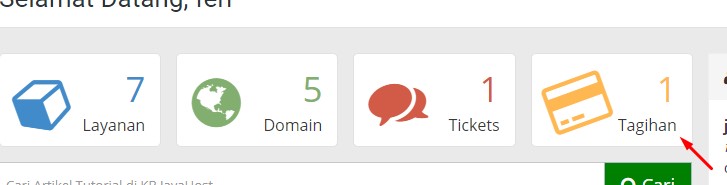
-
Select the invoice you want to pay
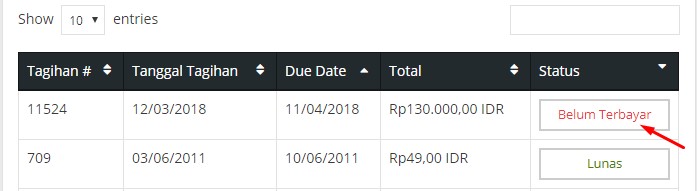
-
Transfer the amount to the bank account shown on the invoice — via ATM, Internet Banking, Mobile Banking, or any other method
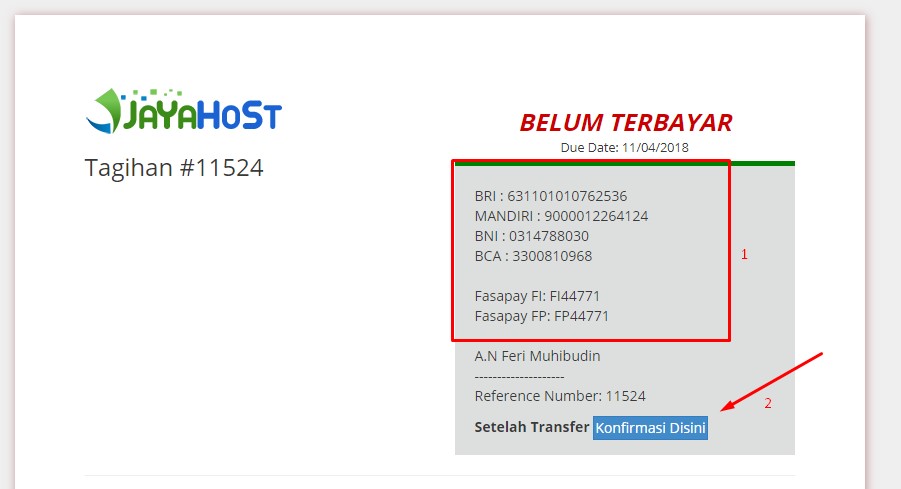
-
Fill in the Payment Confirmation form accurately to speed up verification
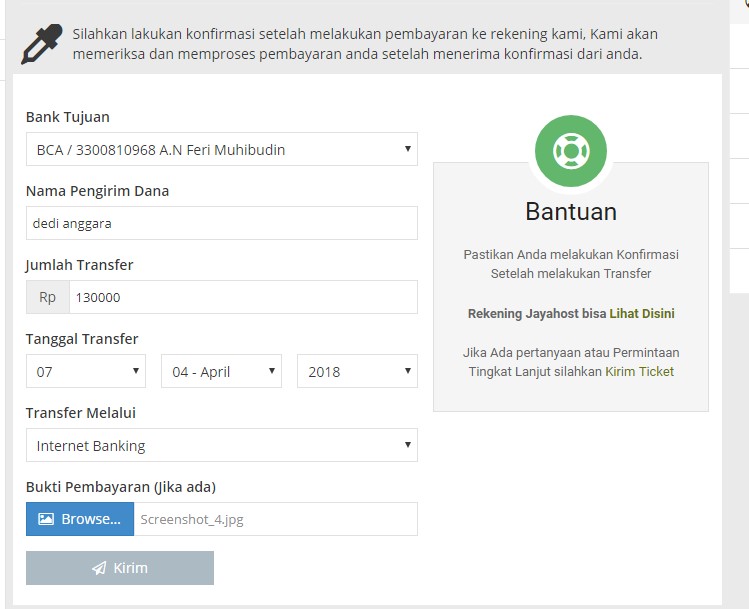
-
Once submitted, a confirmation screen will appear
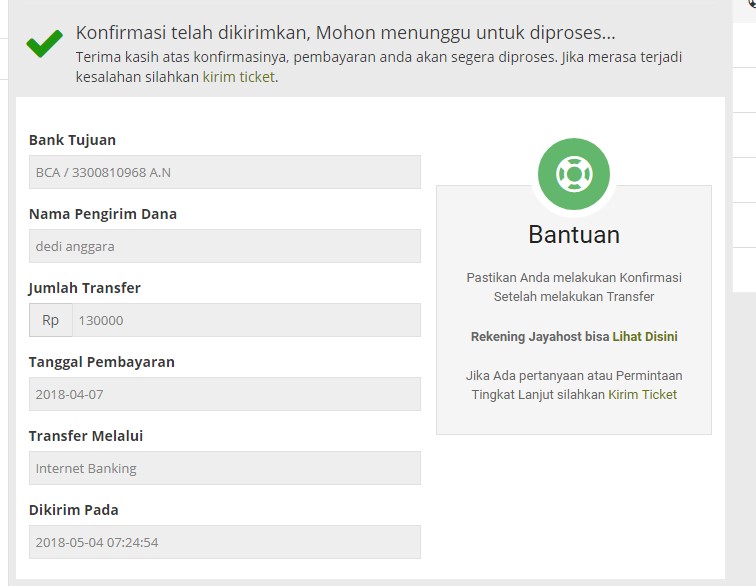
After submitting your payment confirmation, our team will process it as quickly as possible.