1. Upload Files from Computer
- Open https://dropfile.id
- Upload file
- Copy download link (Terminal version)
2. Download Files on VPS
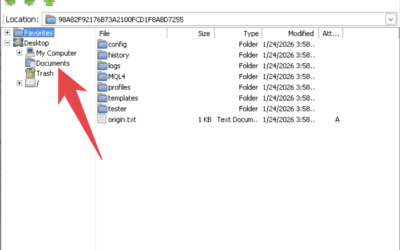
- On the VPS, open the destination folder (e.g.
Downloads) - Right click → Open Terminal Here
- Paste the download link
- Press Enter
Done ✅
The file is immediately saved in that folder.
or video tutorial can be seen here