Digitalku recommends enabling notifications via Telegram to receive immediate and immediate notifications. Notifications via Telegram are generally more responsive than email. Furthermore, Telegram allows clients to easily respond to and reply to notifications directly through the platform.
How to Activate
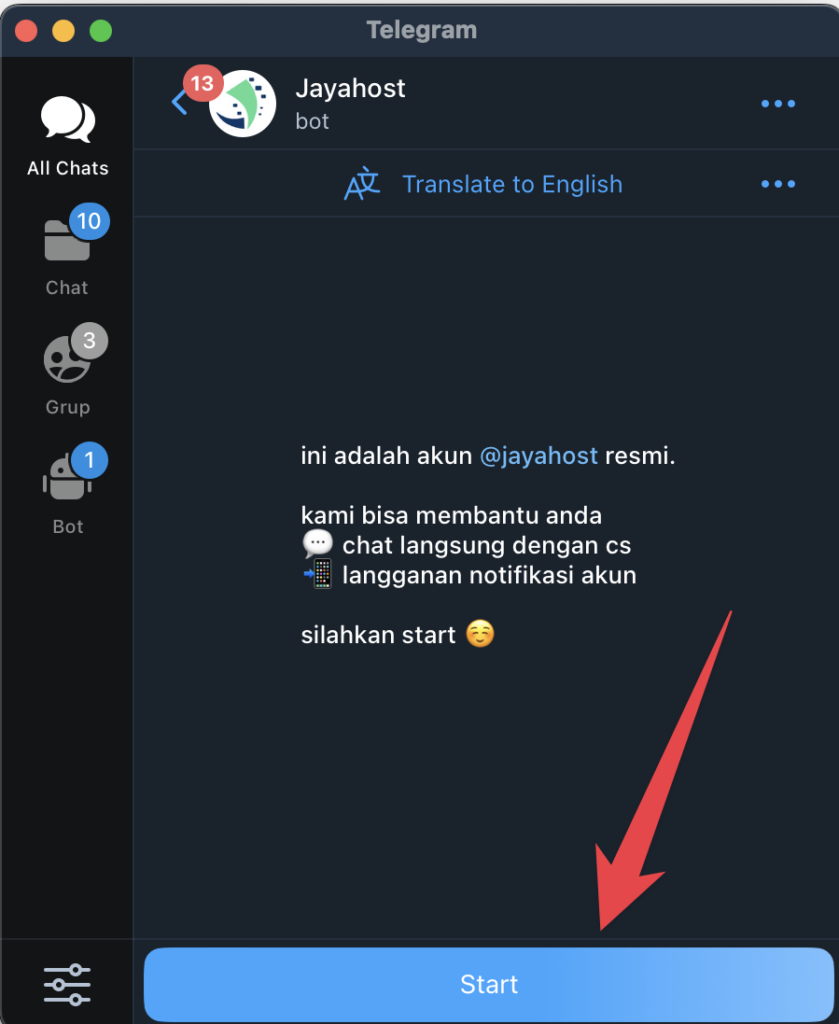
STEP 1: Chat with our official telegram CS @jayahost
If you have never chatted before, please click START
STEP 2: type /notif into the chat. then click on the link sent
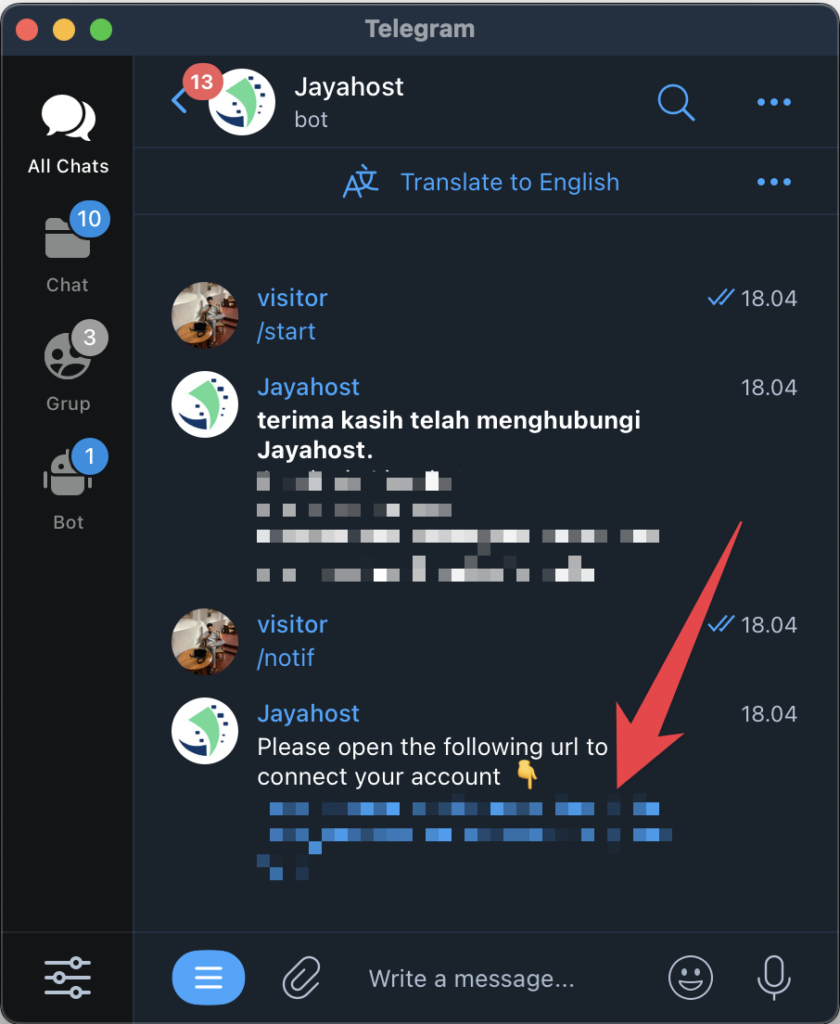
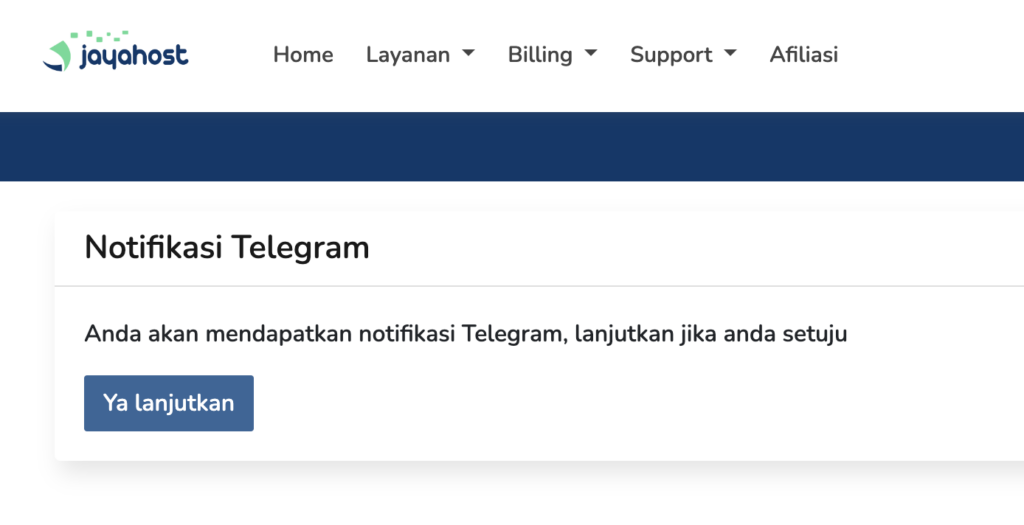
STEP 3: Please click the link, Login then click "Yes, Continue" to get notification via Telegram
Additional Features
There are several additional features that clients can use if they have activated Telegram notifications, including:
/checkinvoice : with this command, the client can check whether there are any charges on the account, so there is no need to log in to the client portal
/checkdomain : This command allows the client to check whether there is a new domain
How to stop notifications
if you feel that Telegram notifications are annoying or perhaps no longer used. The client can send the following command to stop
/stopnotif