Recently, there has been a proxy issue for MetaTrader installed on Windows 7. This is because MetaTrader has discontinued support for Windows 7. However, Digitalku customers can use the installer file provided by Digitalku for Windows 7.
The file can be downloaded on the vfxwelcome.jay.id page (open the default browser). then click Download Meta Trader
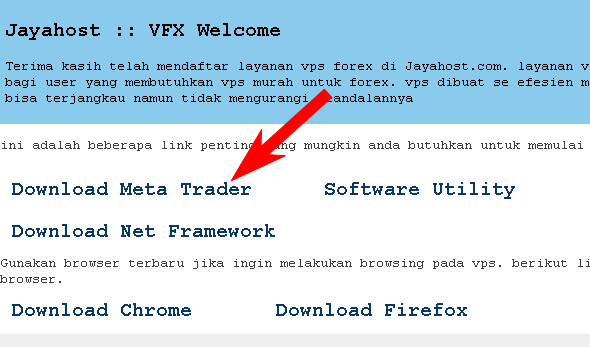
Please download it. then click “extract” to install Meta Trader.
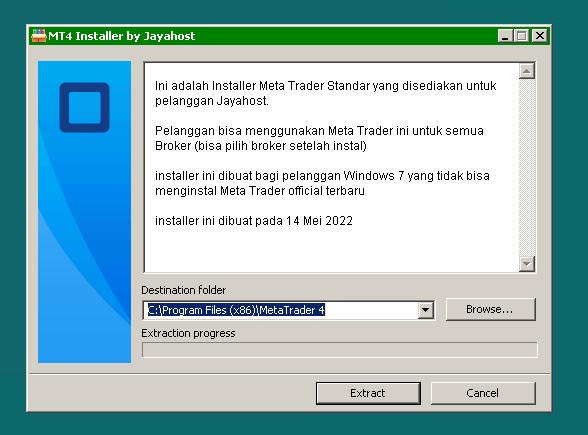
After the installation is complete, you will find the shortcut “Meta Trader 4 / 5” on the desktop. depending on the installer file you choose
This meta trader is a general meta trader. Can be used for all brokers. Please search for brokers after installing Meta Trader