
Guide to submitting a service cancellation request in Digitalku, including the difference between immediate and end-of-term cancellations.
If you do not plan to renew a service, it is recommended to submit a cancellation request so that you stop receiving invoices.
Cancellation Types
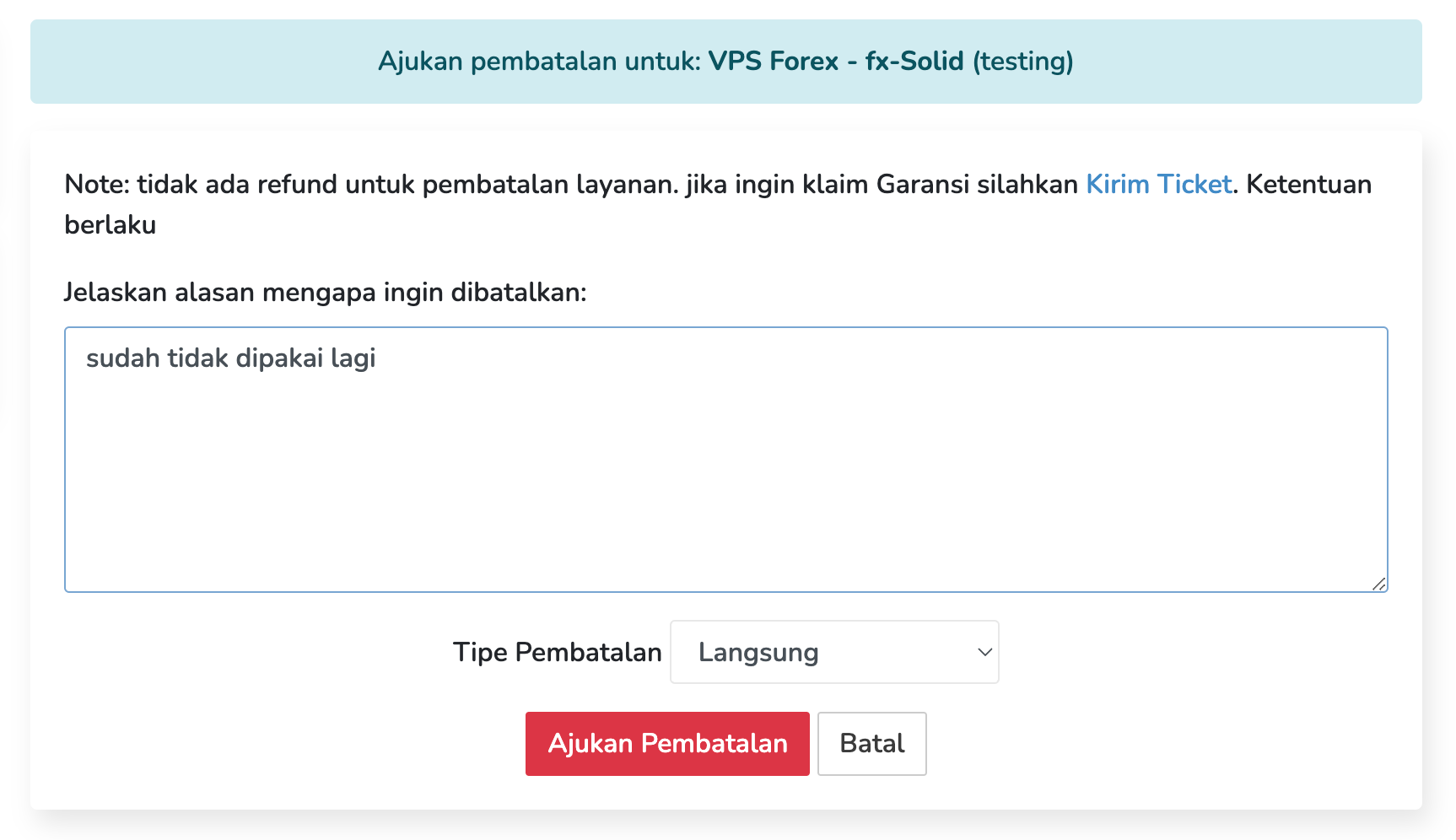
- Immediate Cancellation — The service is deactivated within 24 hours of the request.
- End-of-Term Cancellation — The service remains active until the current billing period ends, then is terminated automatically.
How to Submit a Cancellation
-
Log in to the Client Portal

-
Click Services
-
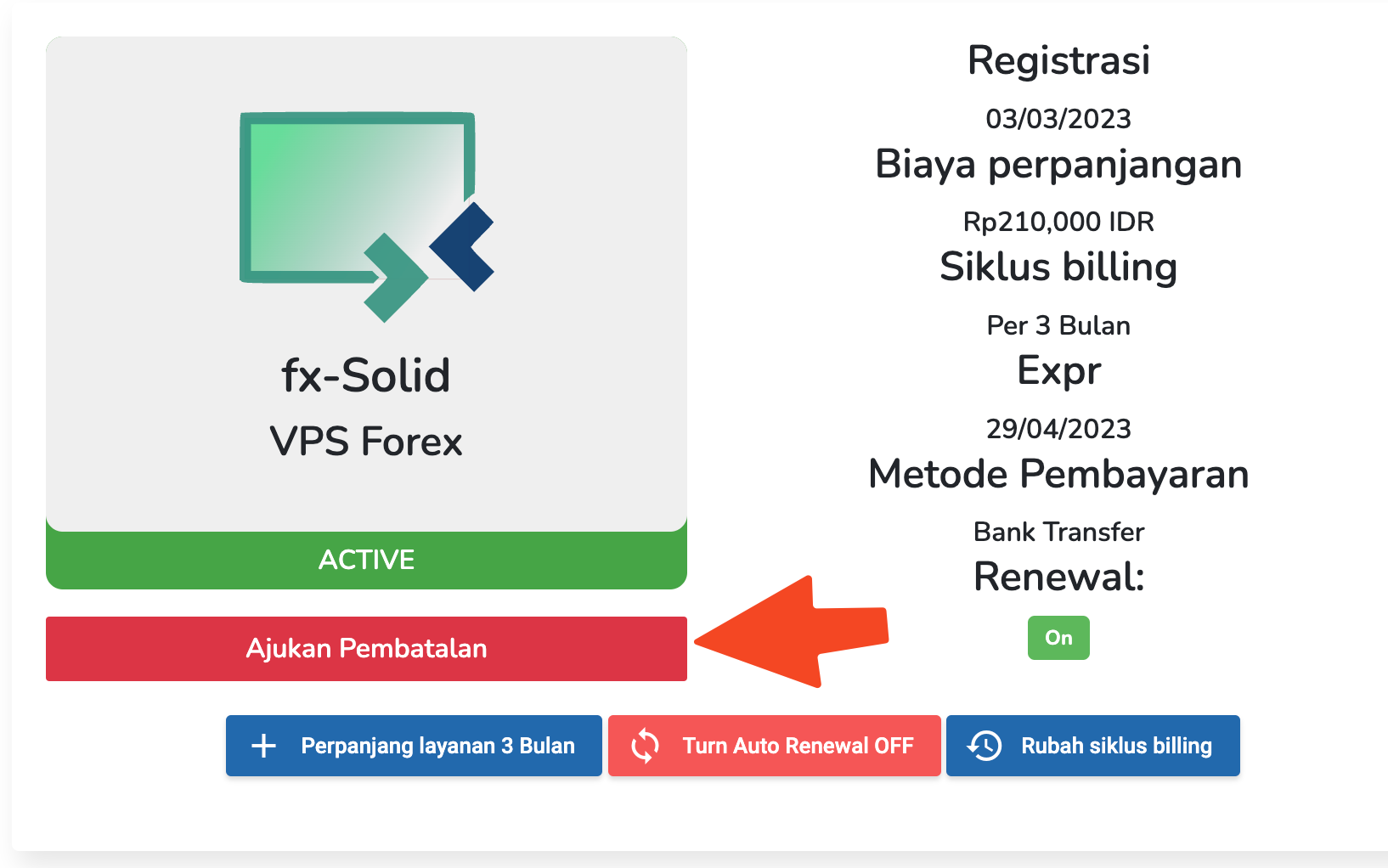
Select the service you want to cancel
-
Click Request Cancellation
-
Enter a reason for the cancellation — this helps us improve our services
-
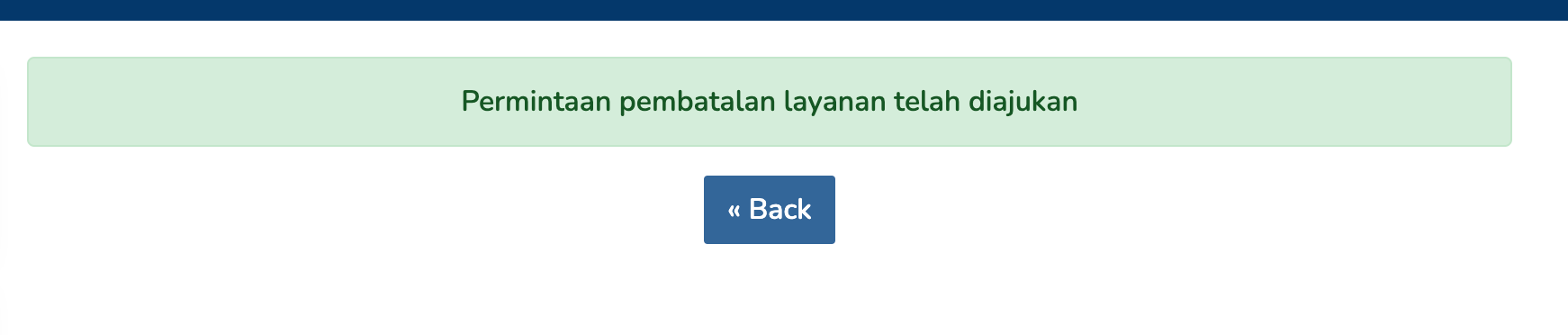
Submit the request
Changed Your Mind?
If you submitted a cancellation by mistake or have reconsidered, contact our support team immediately via Ticket or WhatsApp to reverse the request. Note that cancellations cannot be guaranteed to be reversed if the execution date is already imminent.