
Guide to renewing your Digitalku hosting, domain, or VPS — via automatic invoice, early renewal, or using your account deposit balance.
About one week before your service expires, the system will send a renewal invoice to your email. You can access the invoice via the link in the email or directly through the client portal.
Renewing via Invoice
- Log in to the Client Portal
- Click Billing
- Your renewal invoice will appear in the list — click it to open and complete payment
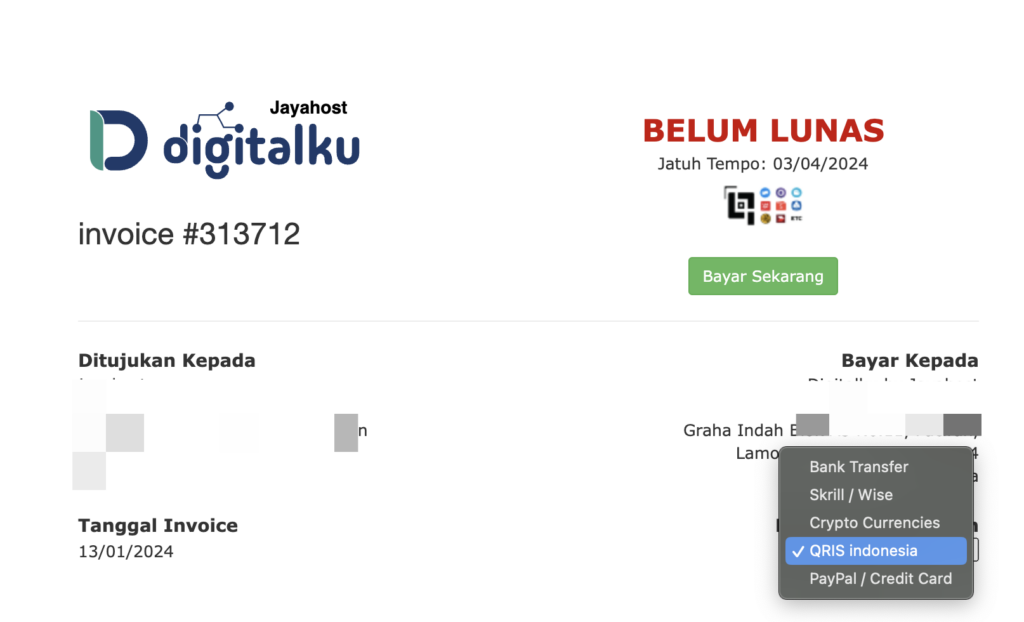
Only use the official payment confirmation form to avoid any processing errors.
Early Renewal (Before Invoice Is Generated)
If you want to renew before the renewal invoice is issued:
-
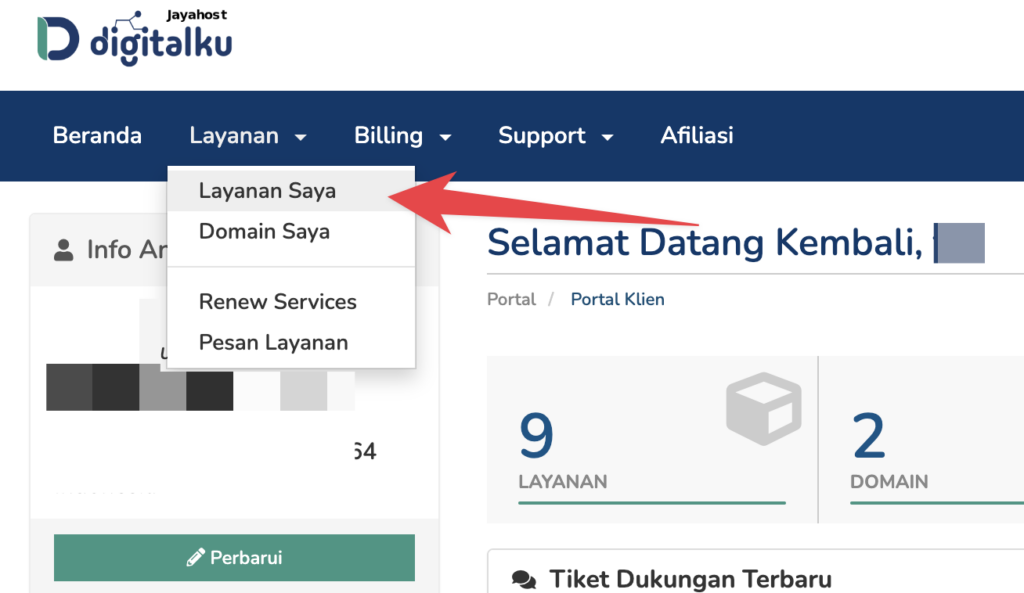
Log in to the Client Portal and go to Services
-
Open the detail page of the service you want to renew
-
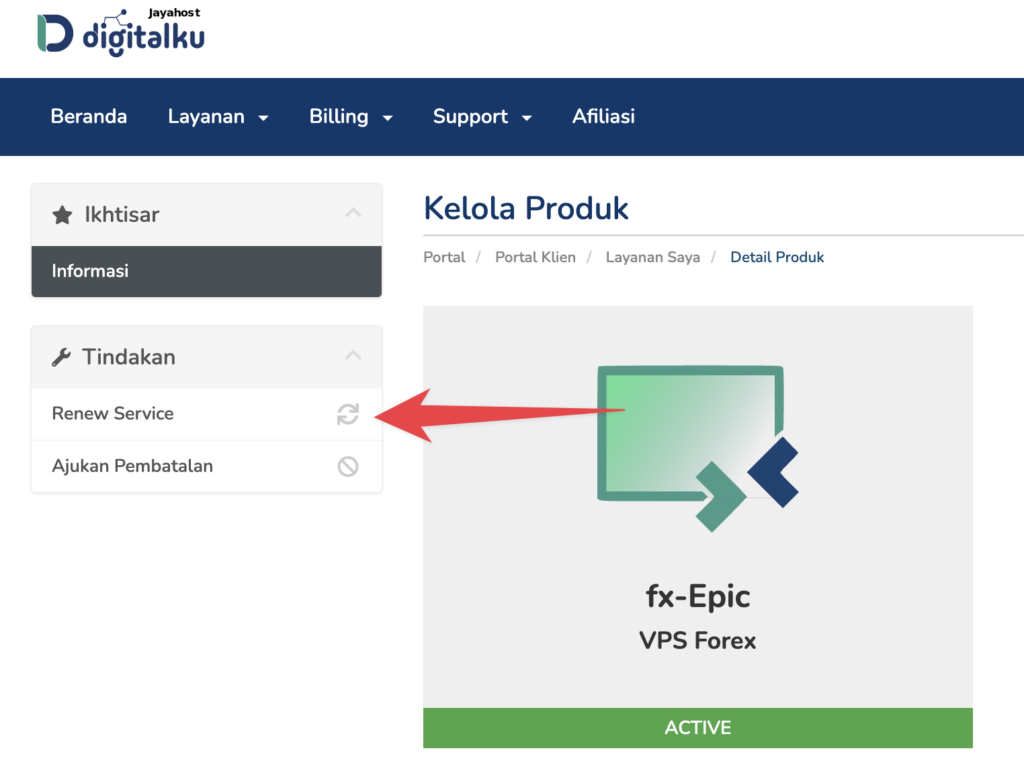
Click the ( + Renew Service … ) button
-
Review the details shown, then click Renew
A renewal invoice will be generated automatically.
Using the Deposit Feature
You can add funds to your Deposit balance so that renewals are paid automatically without manual action each time.
Access it via: Client Portal → Billing → Deposit
Deposit funds are automatically applied to new renewal invoices.
Note: If a renewal invoice already exists, pay it first before adding to your deposit. Any overpayment exceeding Rp 1,000 will automatically be credited to your deposit balance.