Rust is a remote desktop-like application. Its primary function is to remotely access a VPS. However, Rustdesk offers several features that are different from the default remote desktop. These include:
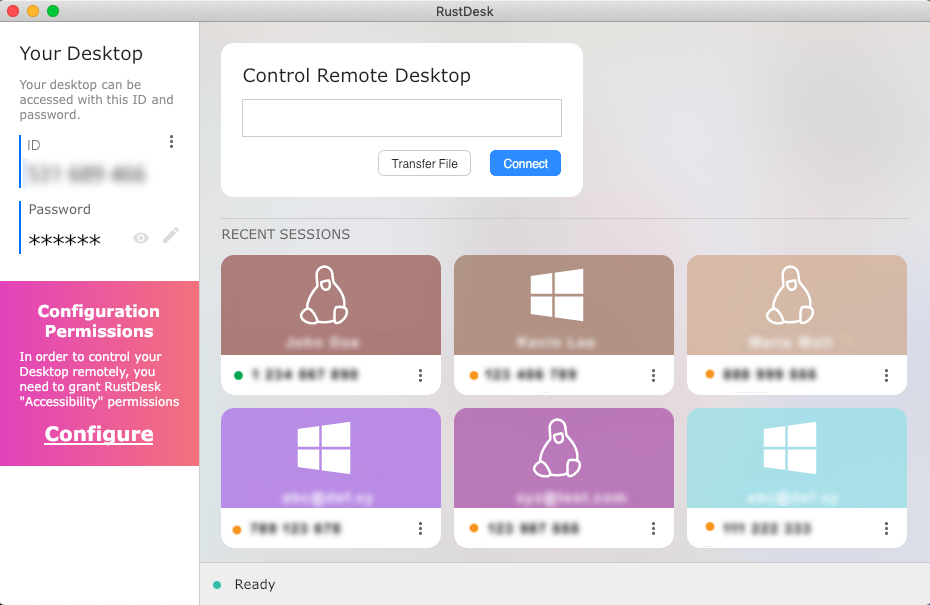
- More secure, as you log in using your Rustdesk ID, while your IP is hidden. This prevents brute force attacks, which are common on Remote Desktop.
- MetaTrader startup/auto-start feature on restart is working optimally
- More stable connection.
- 100% Free. No additional costs, you can use the free version of AnyDesk.
How to Install on a VPS
STEP 1: Login to VPS via remote desktop beforehand How to log in to Remote Desktop VPS Windows on Mac
STEP 2: open vfxwelcome.digitalku.com on VPS, then click Install Rustdesk
STEP 3: open and install RustDesk . then note down the ID you get , this is what will be usedcan do remote via rustdesk later
STEP 4: Run DisableRDP. This is crucial for the smooth operation of Rustdesk and to improve VPS security. This prevents hackers from hacking from RDP.
Do Remote AnyDesk
Close Remote Desktop first before going remote
On Local PC, Download Rustdesk on this page: https://github.com/rustdesk/rustdesk/releases/tag/1.3.1
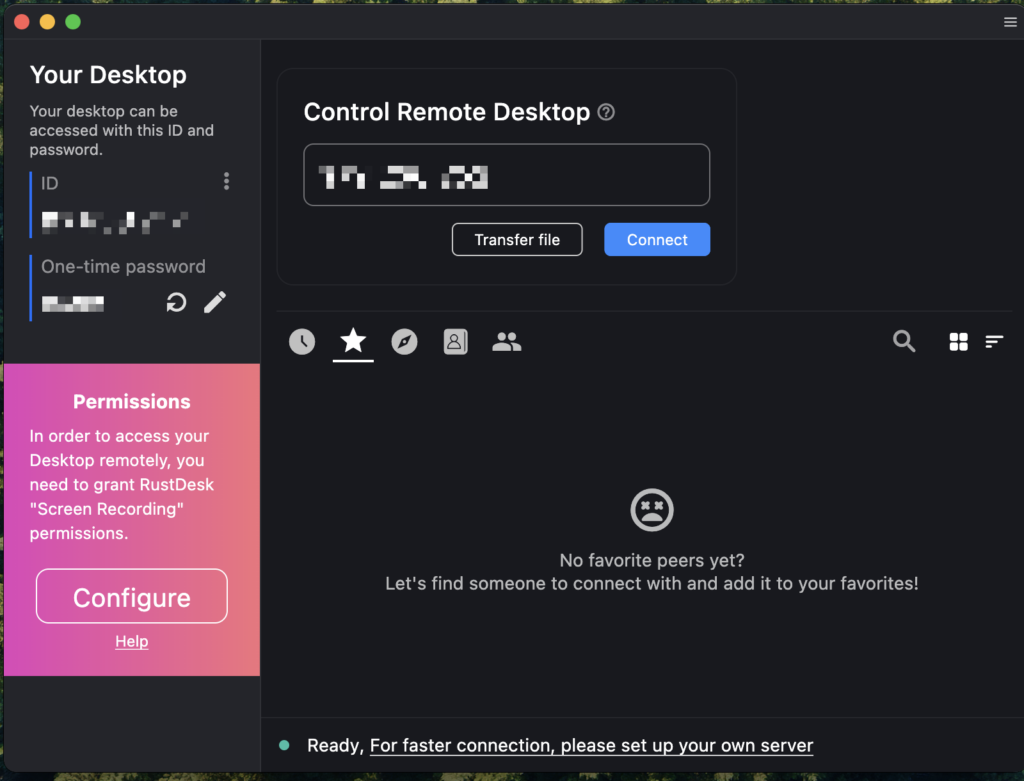
Tutorial:
- Please enter the ID you received earlier in the section Remote Desktop Control
- Enter the password
Problems and Solutions
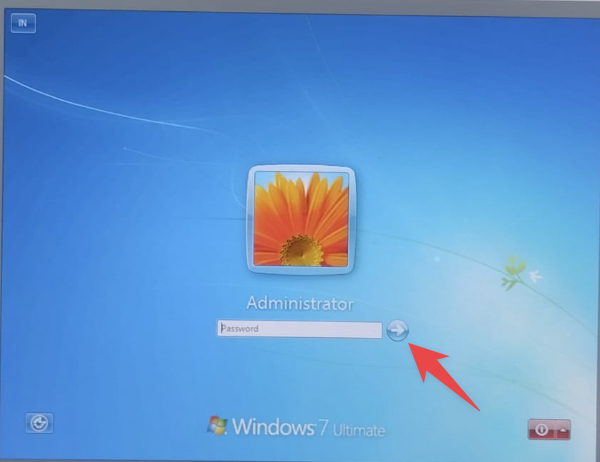
when you first log in,
there will probably be a message like this, if you have disabled RDP and something like this happens, please EMPTY then click the blue arrow
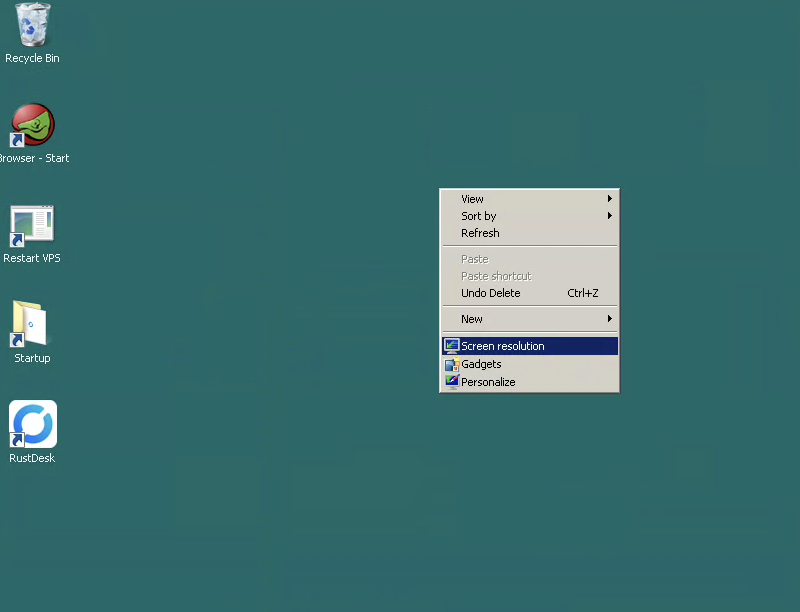
Resolution Settings:
If you feel the font is too large or doesn't fit, please adjust the resolution to suit you best.