Using AnyDesk will address various issues commonly encountered with VPS remote desktops. Here's how to log in using AnyDesk.
Step 1: Download Anydesk
Step 2: Double click then enter Anydesk ID
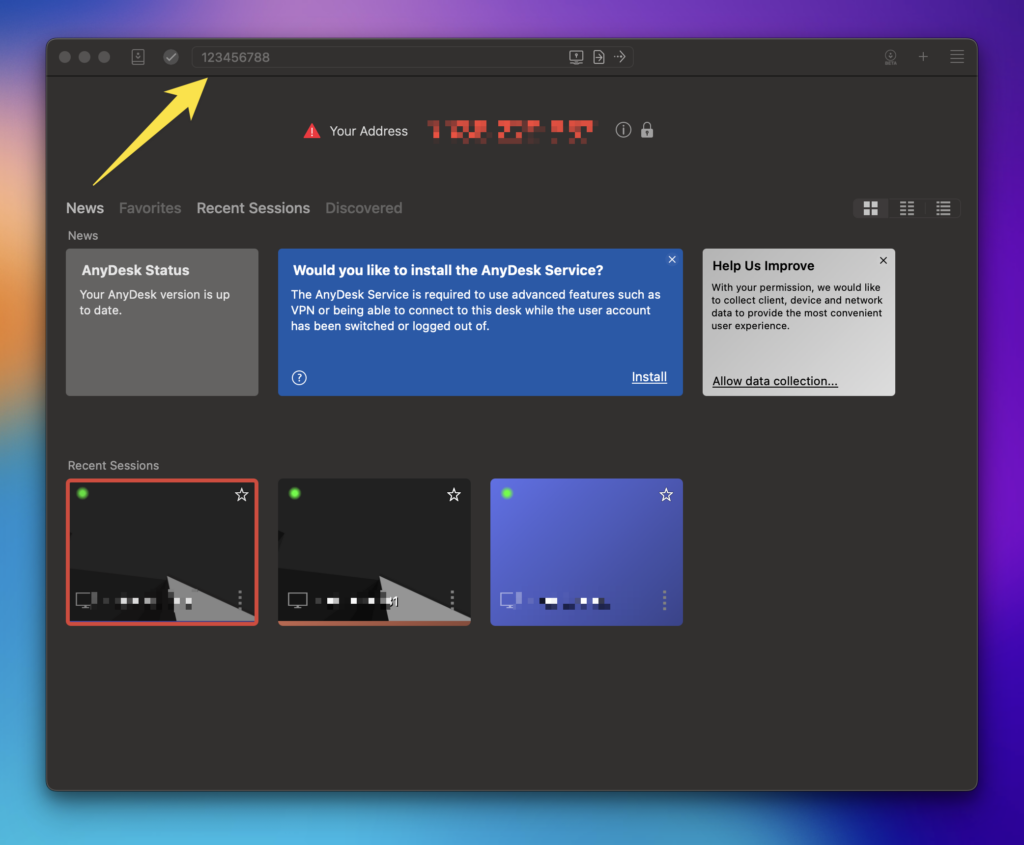
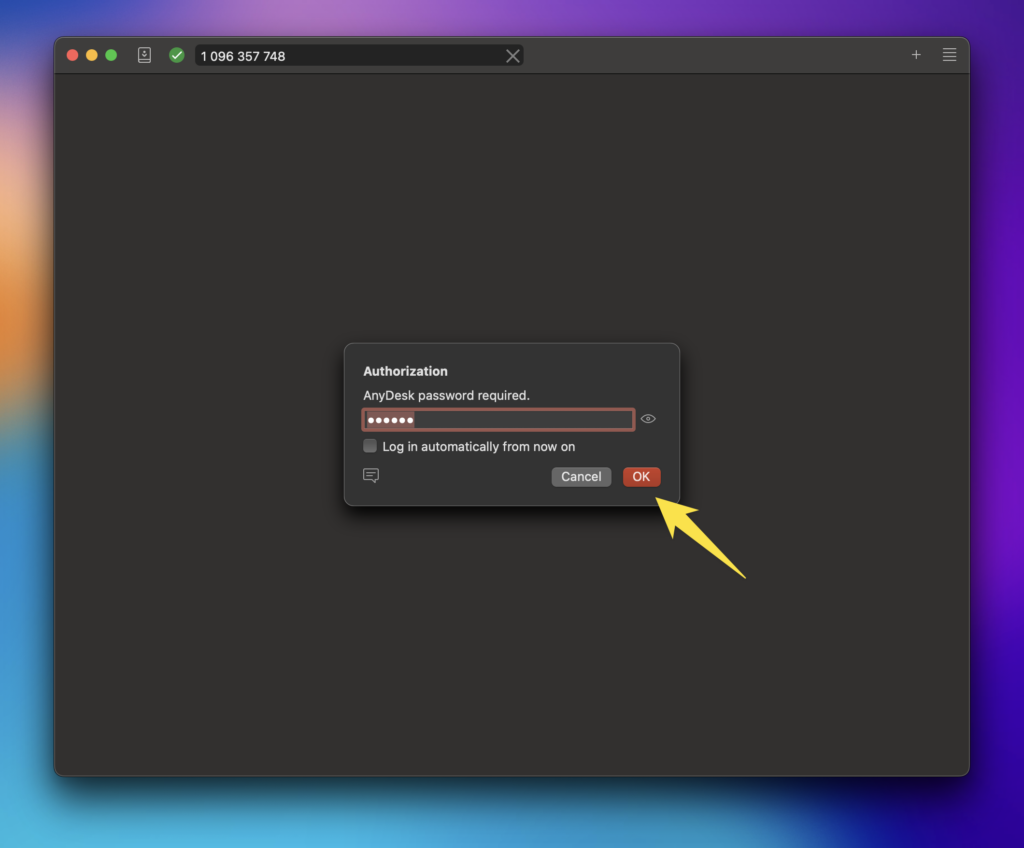
Step 3: Click OK
Advantages of Using Anydesk
- Solve the problem of being locked on VPS.
- Remote VPS uses the AnyDesk program, not the built-in Microsoft Remote Desktop
- Safer from hacking, because login uses AnyDesk ID, not IP. Most hacking is done from IP.
- MetaTrader's startup/auto-start feature during a restart works optimally.
- Remote Desktop is disabled by default to improve VPS security. This prevents hacking attempts from remote desktop connections.
- Faster and more stable connection using anydesk
For anydesk installation, customers can ask our customer service to do it.
Vital Records
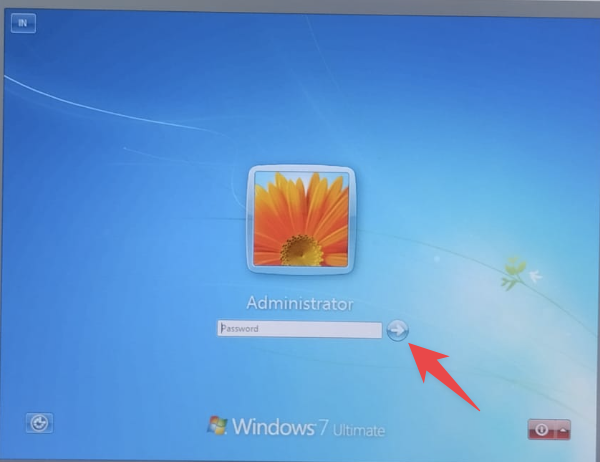
When you first log in to AnyDesk, you might be prompted to enter your password. If so, simply click the ➡️ arrow without entering your password.