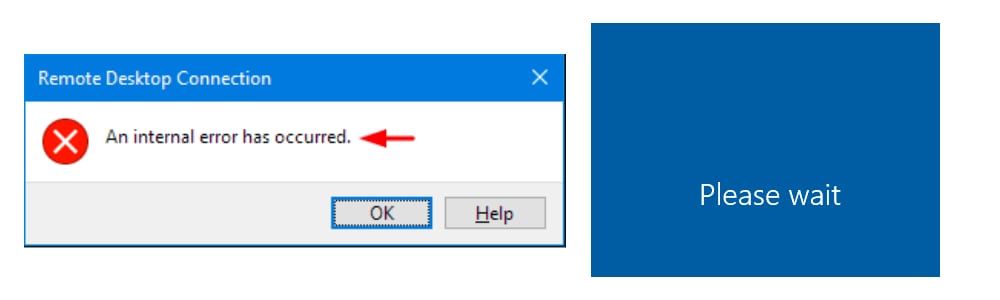
If your Remote Desktop server experiences an error with an error message like this, here's a quick tutorial on how to fix it.
An Internal Error Has Occurred
Short Tutorial
How to Fix Internal Error on Windows VPS
- Download rdpfix.rdp at this link: https://s.id/qqQcv
- Open VPS Using rdpfix
(Currently the VPS can be opened. However, you must use rdpfix)
How to open it normally
How to open it normally without rdpfix
on VPS follow this tutorial:
- Click Start then type gpedit.msc
- In Gpedit go to Computer Configuration > Administrative Templates > Windows Components > Remote Desktop Services > Remote Desktop Session Host > Security
- Double Click Require use of specific security layer
- select Enabled, security layer select RDP. .
After you run the tutorial, you should be able to log in to the remote desktop normally again now.
Video Tutorials
This tutorial shows how to create an rdpfix file. If you already have rdpfix, please skip to the video below. 01:35