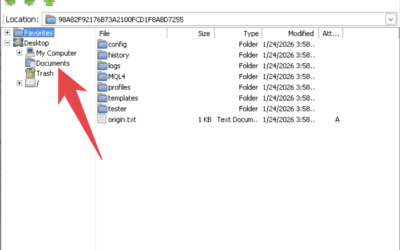
With this feature, after the VPS restarts, MetaTrader will automatically resume running without manual intervention. This ensures that your trading activity continues with minimal disruption even if the VPS experiences disruptions.
Note: This tutorial has been tested for all OS on my Digital VPS
The following is a tutorial so that Meta Trader automatically starts when the VPS restarts
STEP 1: Register VPS Password
If there is no Autologon, please follow the following tutorial to install: https://youtu.be/MZFtfs-TcJ8
Please register your VPS password in Autologon to ensure normal startup. You'll also need to do this again if you change your VPS password.
The method is in the following video
STEP 2: Enter the MT4 Shortcut to the Startup Folder
Enter the Meta Trader Shortcut you want to run automatically into the “Startup” folder.”
Or you can also do it in the following way:
- open run on windows as before
- type
shell:startupthen pressEnter - then enter the MT4 Shortcut in the startup folder
Next, MetaTrader will automatically reactivate itself if a restart occurs.