
by admin | March 20, 2026 | News
We wish all our customers a Happy Eid al-Fitr 1447 H. To celebrate this blessed day, we would like to inform you of the following adjustments to our Digitalku service operating schedule: March 20, 2026:...
by admin | Jan 24, 2026 | KB, digiOS VPS
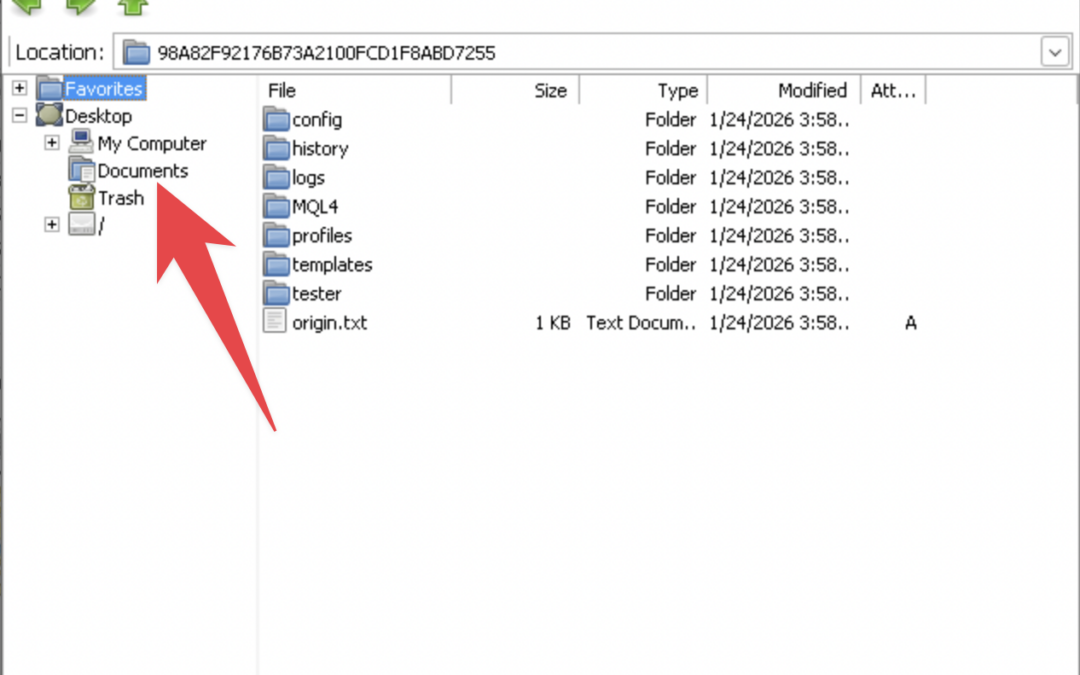
To copy MetaTrader, open MetaTrader, click Open Data Folder, click Documents to view your files and the files you just downloaded from Chrome, press Back, then enter them into MetaTrader.
by admin | Dec 27, 2025 | KB, digiOS VPS
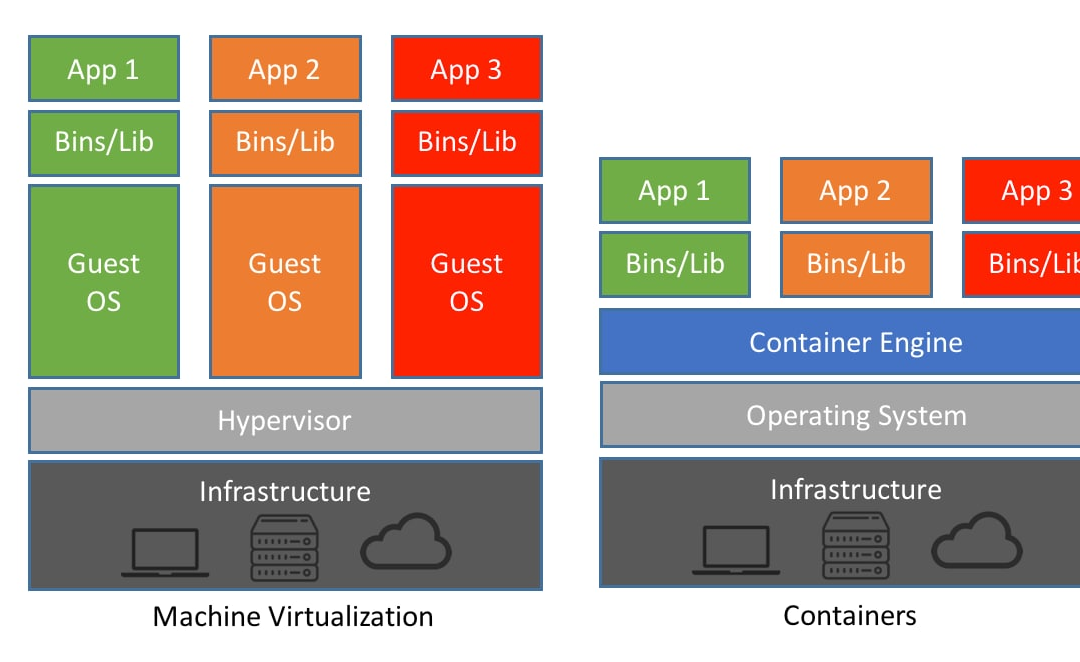
The digiOS VPS uses the LXC Container system, rather than a classic VM like Windows VPS. Therefore, the CPU display and reading are slightly different, but they are more efficient and more accurate in terms of actual usage. How the CPU Works in a digiOS VPS (LXC Container) On the system...
by admin | Dec 22, 2025 | KB, digiOS VPS
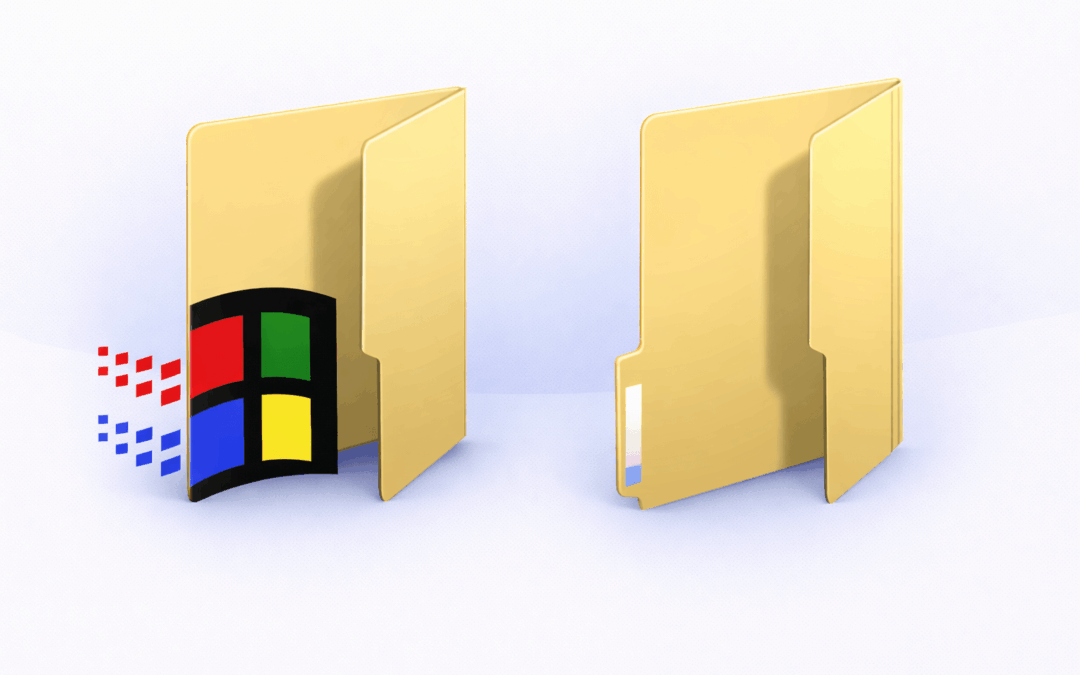
On the DigiOS Forex VPS, users will find two file management applications that appear similar at first glance, but actually have different functions and purposes: File Manager (Linux) and Windows Explorer (Windows emulation). Understanding the differences between the two is important...
by admin | Dec 22, 2025 | KB, digiOS VPS
This tutorial is designed to help digiOS users install Windows support components frequently required by certain applications, such as the .NET Framework, Visual C++ Redistributable (vcredist), Windows fonts, and other system libraries. In this environment...
by admin | Dec 20, 2025 | KB, digiOS VPS
When using a Forex VPS, the operating system plays a crucial role in determining performance, efficiency, and user experience. Digitalku offers two Forex VPS options: Windows Forex VPS and DigiOS Forex VPS. Both are designed for trading needs, but...

by admin | Dec 14, 2025 | KB, digiOS VPS
Here's a simple tutorial on how to change your Forex Thin VPS password. 1. Log in to your VPS. Make sure you're logged in to your DigiOS VPS (the desktop should be open). 2. Open Terminal. Click Terminal (or right-click on the desktop → Open Terminal). 3. Run the Change Password command...
by admin | Dec 14, 2025 | KB, digiOS VPS
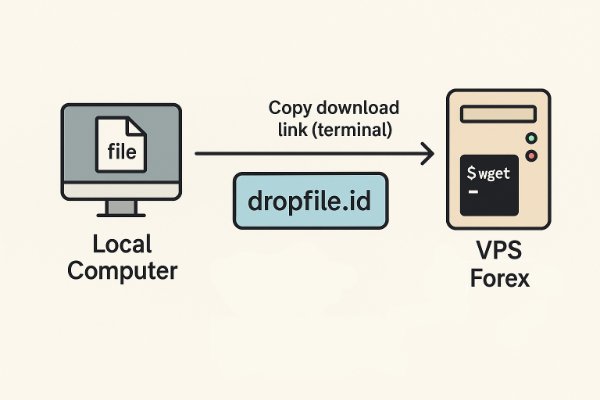
1. Upload File from Computer Open https://dropfile.id Upload file Copy download link (Terminal version) 2. Download File on VPS On VPS, open the destination folder (e.g. Downloads) Right click → Open Terminal Here Paste download link Press Enter Done ✅ File directly...
by admin | Dec 12, 2025 | KB, digiOS VPS
To install Multi Meta Trader, there are 2 types of installation for different brokers (e.g. FBS, Octafx, XM) Install for the same broker (FBS, FBS 2, FBS 3) To install for different brokers, the method is exactly the same as installing one Meta Trader, but if you need to install with the same broker...
by admin | Dec 12, 2025 | KB, digiOS VPS
To install Meta Trader, the method is almost the same as what we usually do on Windows, with only a few adjustments. Download Meta Trader. You can download Meta Trader from vfxwelcome or from your broker. Install Meta Trader. Do...