
by admin | Dec 12, 2025 | KB, digiOS VPS
1. Prepare VPS Login Data Before starting, make sure you have: VPS IP Address and Port Password 2. Install RealVNC Viewer If you don't have the application, download and install it from: Download for PC (Windows / Mac / Linux) Download for Android Download for iOS /...

by admin | Mar 29, 2025 | News
We wish all our customers a Happy Eid al-Fitr 1446 H. In observance of this celebration, we would like to inform you of the following changes to our Digitalku service operating schedule: March 30, 2025: Services will operate as usual...

by admin | March 25, 2025 | KB
Here's a tutorial on monitoring websites and VPS remote desktops using UptimeRobot. Its function is to notify you via email if downtime occurs. The advantage of UptimeRobot is that you can register for free...
by admin | Mar 14, 2025 | KB, Windows VPS Tutorial
To set up automatic restarts in Windows, there are several methods you can use, depending on your needs. Here are some methods you can use: 1. Using Task Scheduler. If you want to schedule automatic restarts periodically, follow these steps...

by admin | Mar 4, 2025 | KB, Windows VPS Tutorial
Windows 7 remains the preferred Forex VPS operating system today due to its excellent speed and stability, and the good news is, the latest applications can still be run on Windows VPS. VPS System Requirements activated above March 4, 2025 are...
by admin | Jan 22, 2025 | KB, Windows VPS Tutorial
Windows Defender is a built-in Windows antivirus that can protect the system from malware threats. However, on a VPS used exclusively for forex trading with MetaTrader, this antivirus is often unnecessary. Disabling Windows Defender can...
by admin | Sep 28, 2024 | KB
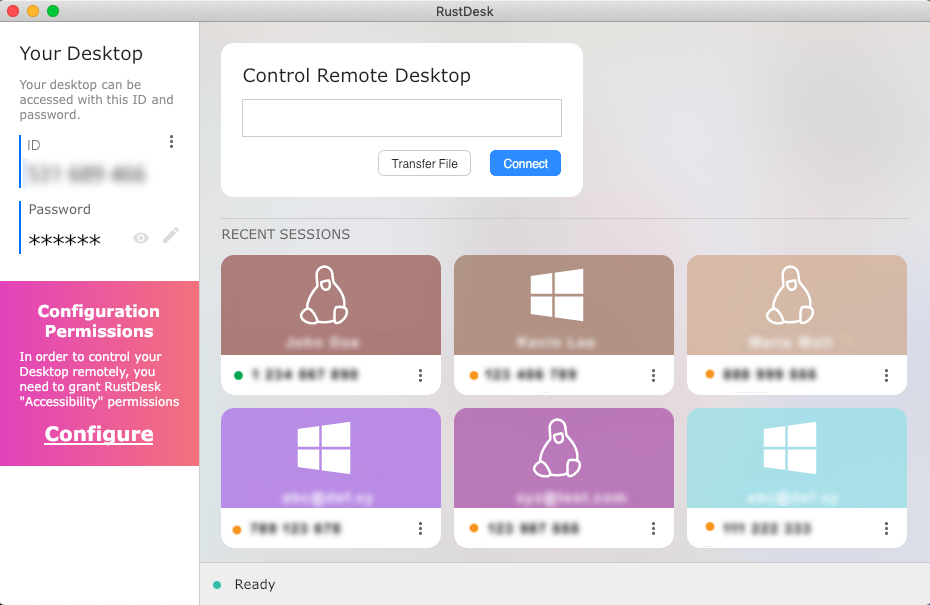
Rust is a remote desktop-like application. Its primary function is to remotely access a VPS. However, Rustdesk offers several advantages over the built-in remote desktop. Among them, it's more secure because you log in using your Rustdesk ID, while your IP address is hidden.
by admin | Aug 20, 2024 | KB
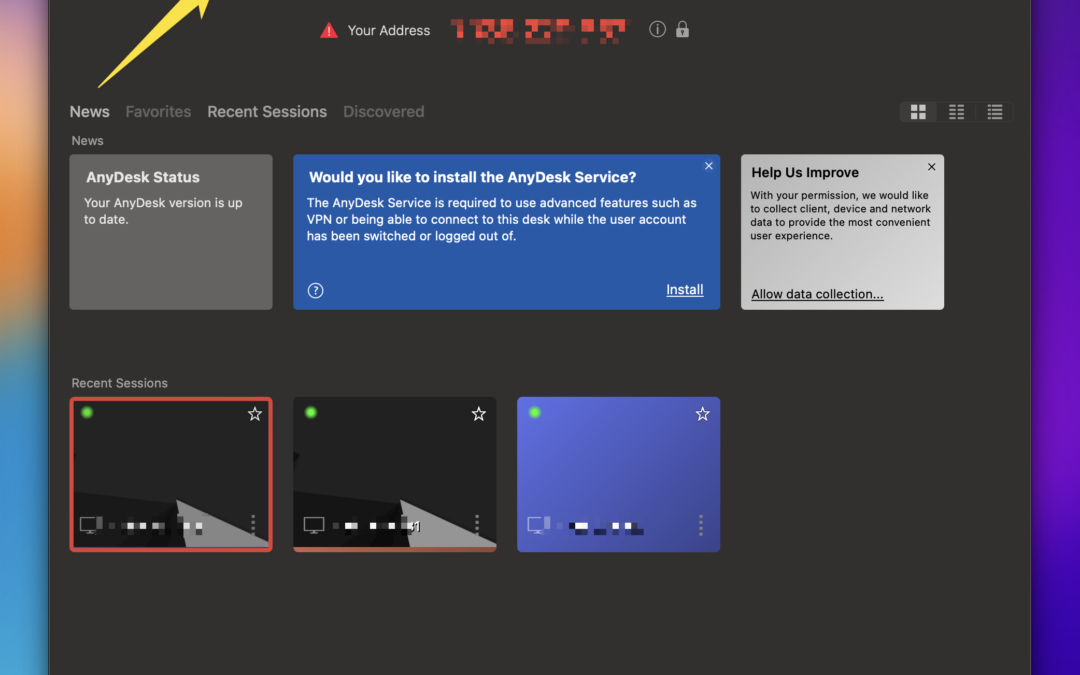
Using Anydesk will solve various problems commonly encountered with VPS remote desktops. Here's how to log in using Anydesk. Step 1: Download Anydesk. Step 2: Double-click and enter your Anydesk ID. Step 3: Click OK. Advantages of Using Anydesk...

by admin | Apr 9, 2024 | News
Happy Eid al-Fitr! May happiness always be with us all. In observance of the Eid al-Fitr celebrations, we would like to inform you of the adjustments to our business hours to provide the best service to our customers: April 9, 2024: Business hours...

by admin | March 29, 2024 | News
To all our valued customers and partners, With a spirit of innovation and a commitment to continuously providing the best service, we would like to inform you that Jayahost has now transformed into Digitalku. This change represents a step forward in our journey...